Login
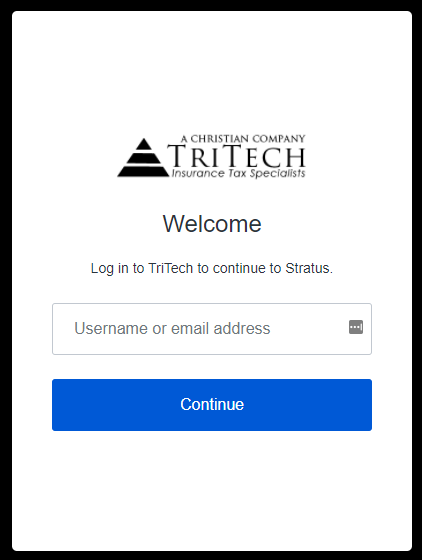
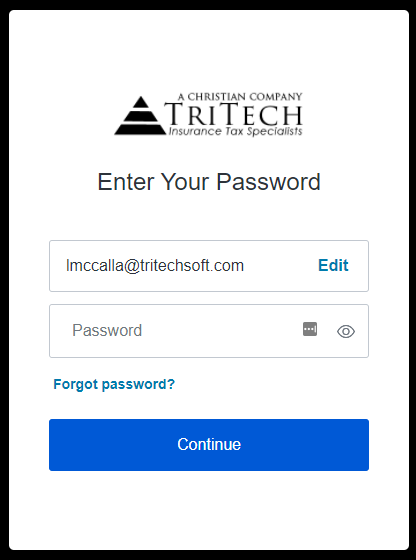
After Tritech has set up your account, a “Welcome to Stratus” email from noreply@tritechsoft.com will be sent to you. Your username is your company email address. The email includes a link that allows you to set your password. Stratus requires multi-factor authentication to ensure that the person logging in with your username and password is actually you. When setting your password, you will be asked to provide a phone number. A code will be texted to you, which you will need to enter into Stratus to prove your identify.
If you should forget your password in the future, you may reset it after entering your User ID. Click on the “Forgot password?” link. A “Reset your password” email will be sent to you shortly from noreply@tritechsoft.com. Click on the link in the email to reset your password.